Disclosure: This guide may contain affiliate links that earn us a small commission at no extra cost to you, ensuring our recommendations remain completely independent, honest, and focused on what genuinely helps a first-time user.
If you’ve never used a VPN and just want one that works without a manual, you don’t need to learn every acronym in the privacy world first. You need to know: which service is simple enough to not get abandoned after a week, what it actually protects you from, and what it costs. Here’s the beginner-focused version.
What a VPN actually does (and doesn’t do)
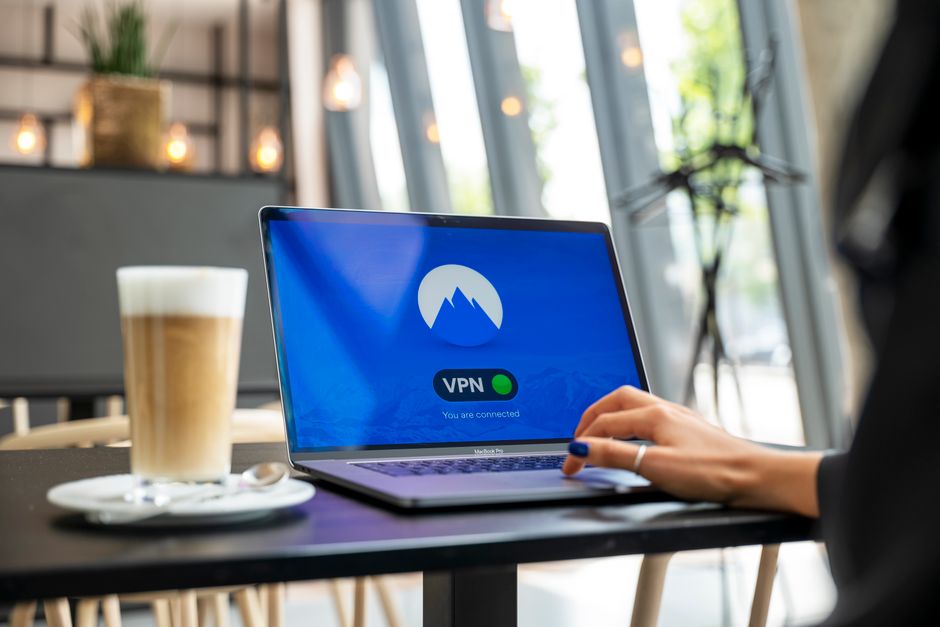
A VPN encrypts your internet traffic and routes it through the provider’s server, hiding your traffic from your ISP and from anyone snooping on the same Wi-Fi network (a coffee shop hotspot, an airport network, a hotel router). It also masks your IP address from the websites you visit, which is why it can unblock geo-restricted streaming content.
What it doesn’t do: make you anonymous. You’re still logged into your Google account, your Instagram, your bank — a VPN hides your network-level traffic, not your identity once you sign into something. It also doesn’t stop malware, phishing, or a weak password. Treat it as one layer, not a cure-all.
The five VPNs worth considering as a beginner
ExpressVPN — Widely considered the easiest app for a first-time user: one big connect button, minimal settings to trip over, apps that look identical across Windows, Mac, iOS, and Android. It’s also the most expensive of the group. Good pick if you want to install it once and never think about configuration again, and don’t mind paying more for that simplicity.
NordVPN — The largest server network of the mainstream options and consistently strong speed test results, with a slightly more feature-dense app than ExpressVPN (specialty servers for double-VPN, obfuscation, P2P). Good middle-ground pick if you want room to grow into more advanced settings later without switching providers.
Surfshark — The cheapest of the well-known paid options and the only one on this list with unlimited simultaneous device connections (the others cap you at 5–10 devices per plan). If cost-per-device is the deciding factor — a household with a lot of phones, laptops, and streaming boxes — this is the practical pick.
Proton VPN — Runs a genuinely usable free tier (unlimited data, no ads, servers in a handful of countries) from the team behind Proton Mail. This is the one to try first if you’re not ready to pay anything yet; the free plan is slower and more limited on server choice than the paid tier, but it’s real encryption with no logging, not a bait-and-switch trial.
Mullvad — The privacy-purist option: flat pricing, no email or personal info required to sign up (you get an account number, nothing else), and a track record of proving its no-log claims when servers have been physically seized by authorities. No free tier, and the app is more utilitarian than the others. Pick this if privacy from the provider itself — not just from your ISP — is the actual goal.
Comparison table
| VPN | Starting price | Free tier | Devices per plan | Best for |
|---|---|---|---|---|
| ExpressVPN | Highest of the group | No | 8 | Zero-configuration simplicity |
| NordVPN | Mid-range | No | 10 | Speed + largest server count |
| Surfshark | Lowest paid price | No | Unlimited | Multi-device households on a budget |
| Proton VPN | Free tier available; paid tier mid-range | Yes (unlimited data) | Varies by plan | Trying a VPN before paying anything |
| Mullvad | Flat around $5–6/mo, no discounts for longer terms | No | Limited (check current app) | Maximum account-level privacy |
Exact prices change with promos and multi-year discounts — check each provider’s current pricing page before buying, since the “regular” price and the “renewal” price on any long-term plan are usually different, and that renewal jump is the most common beginner complaint after the first year.
How to actually pick one
- If you want to try before paying anything: start with Proton VPN’s free tier. It’s not a stripped-down trial — it’s real, no-log encryption, just with fewer server locations and a speed cap versus paid.
- If budget is the main constraint and you have several devices: Surfshark’s unlimited-device policy makes it cheaper per device than anything else here.
- If you just want the simplest possible app and don’t mind paying for it: ExpressVPN.
- If you want the fastest general-purpose option with room to grow into advanced settings: NordVPN.
- If your actual concern is “I don’t trust VPN companies with my data,” not just “I don’t trust my ISP”: Mullvad’s no-personal-info signup is built specifically for that.
Common beginner mistakes
- Leaving it off “just for a quick search.” The protection only works while it’s connected — get in the habit of connecting before you open the browser, not after you remember.
- Assuming a VPN fixes weak passwords or phishing. It doesn’t. Pair it with a password manager and two-factor authentication; a VPN protects the network path, not your account credentials.
- Picking based on server count alone. More servers help with congestion and geo-unblocking variety, but a smaller, well-run network (Mullvad, Proton) can outperform a huge one on actual speed and reliability.
- Not checking the renewal price before buying a “2-year deal.” The advertised price is almost always the first-term price; know what year two costs before you commit.
Editor’s pick: NordVPN is worth checking for its speed and server count if you want the fastest general-purpose option — check the current price and plan terms before committing to a term length.
FAQ
Do I need a VPN if I only use public Wi-Fi occasionally?
That’s still the single most common real-world reason to use one — an unencrypted coffee-shop or airport network is the easiest place for someone else on the same network to intercept unencrypted traffic. Even occasional use benefits from having it ready.
Will a VPN slow down my internet?
Yes, some — encryption and the extra routing hop add overhead. With a good provider (NordVPN and ExpressVPN both test well) the slowdown is usually small enough not to notice on everyday browsing; it’s more noticeable on large downloads or during peak server load.
Is a free VPN ever a bad idea?
Free VPNs that aren’t from a known privacy company (Proton VPN being the notable exception) often make money by logging and selling browsing data — the opposite of what you’re using a VPN for. If a free VPN doesn’t say clearly who runs it and how it makes money, skip it.
Can I use a VPN on my phone, not just a laptop?
All five providers above have iOS and Android apps, and this is actually the more common use case now — public Wi-Fi risk is highest on mobile devices connecting to random hotspots while traveling.
How we picked VPNs for first-time users
This shortlist optimizes for a different thing than a power-user roundup: the odds a beginner actually keeps using the VPN after week one. We weighted app simplicity, honest free tiers, and transparent renewal pricing over raw server counts and niche protocol options — because the most common beginner failure is not picking a “slow” VPN, it is abandoning a confusing one or getting surprised by a year-two price jump. Every provider here has independently audited no-logs claims or a public track record; exact prices shift with promotions, so confirm the current page before buying. Last updated September 2026.
Who this guide is for
It is written for someone installing their first VPN for everyday privacy on home and public Wi-Fi — not for users chasing torrenting optimization, streaming-library hopping across a dozen countries, or threat-model-grade anonymity. If your goal is the last of those, start with Mullvad’s no-personal-info signup rather than the mainstream picks above.
Sources and further reading: providers’ independent no-logs audit reports and transparency pages, and the WireGuard project on the modern protocol most of these apps now use.