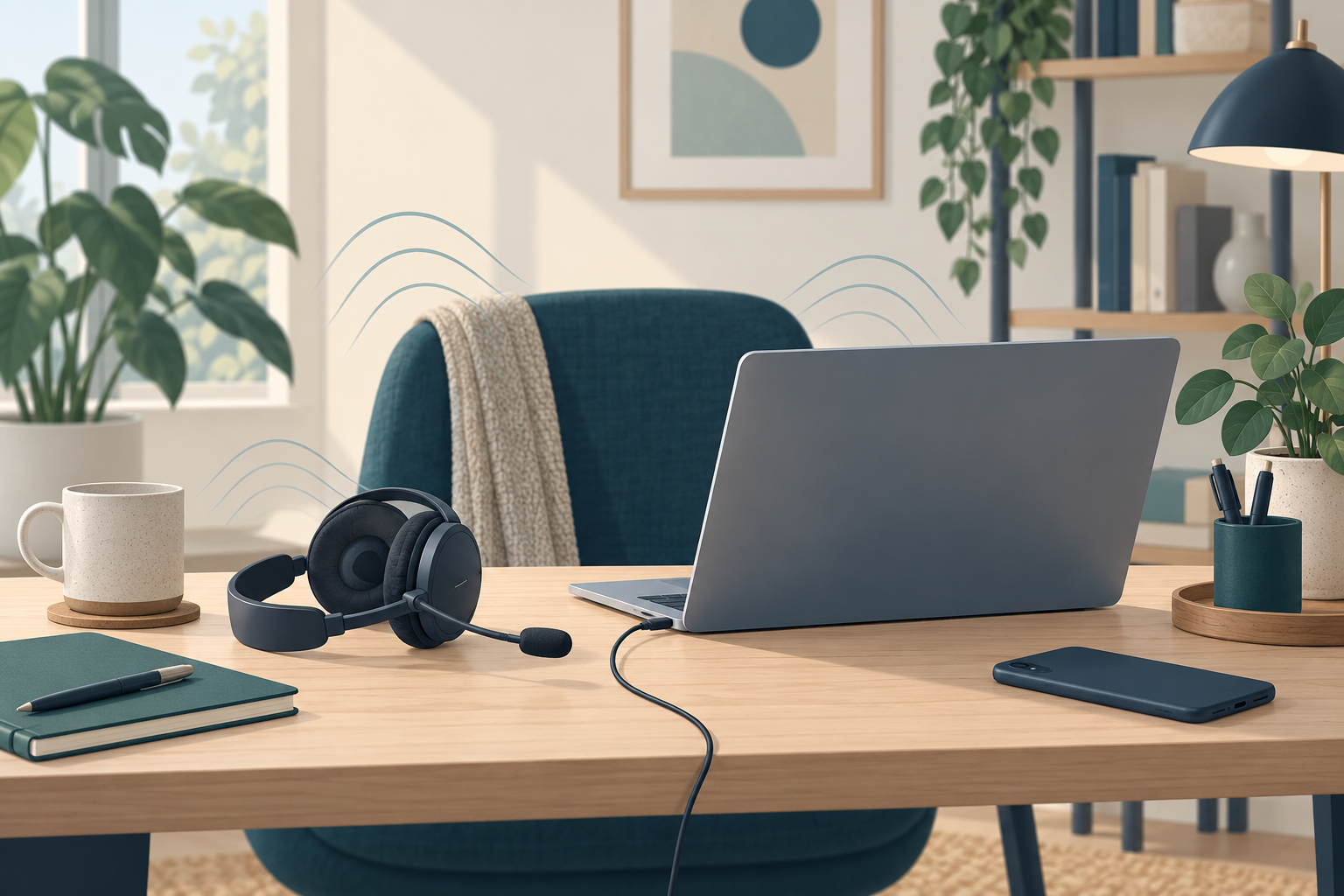
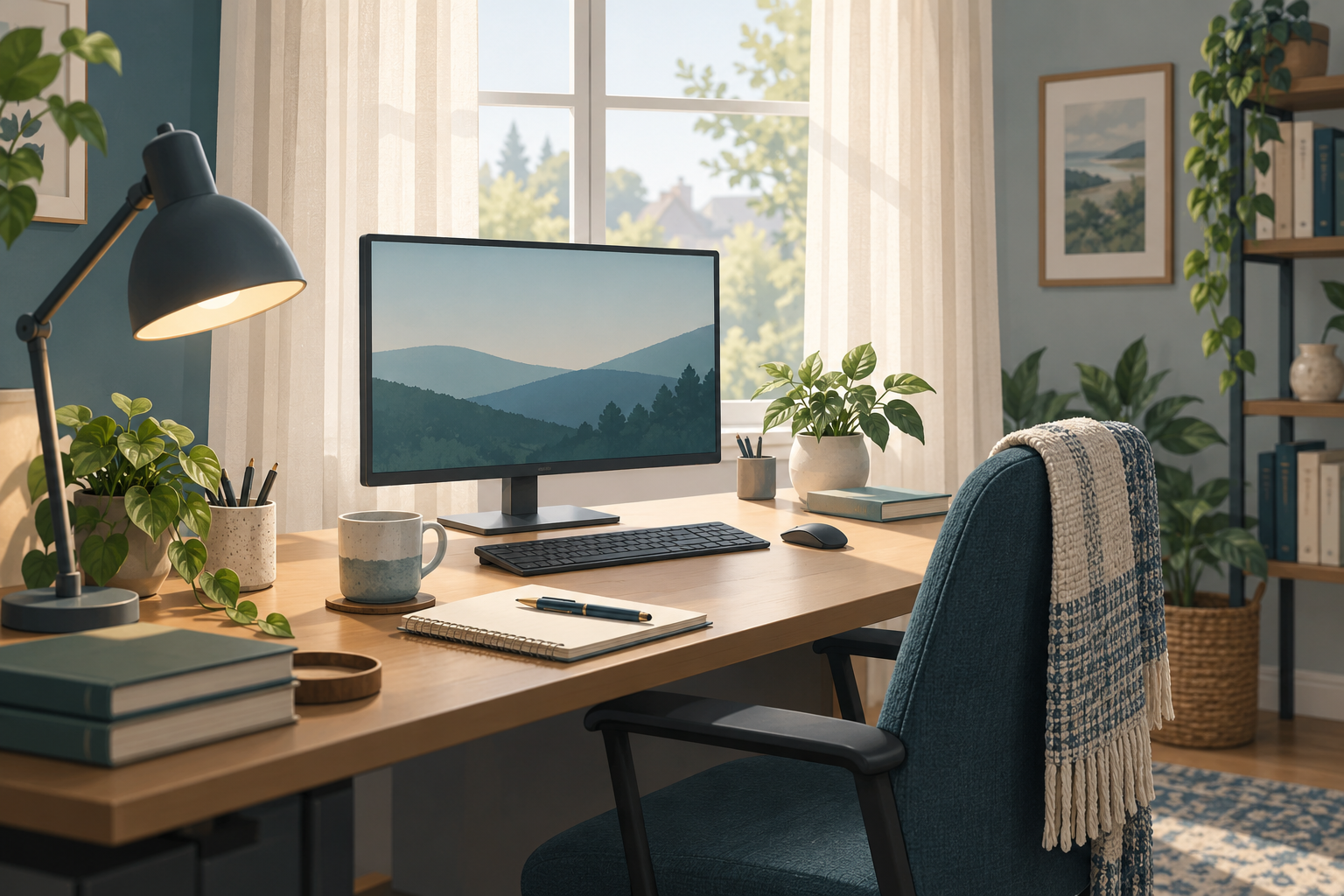
Before adding a ring light to a crowded desk, check what your existing light is doing. The aim is a face that is easy to see while you read and speak comfortably. Use the actual meeting app’s preview, because that is the picture you need to improve.
Make a repeatable starting point
Sit where you normally work, place the camera around eye level, and open a document similar to the one you use during calls. Note the time of day, window position and lights switched on. Keep camera effects unchanged while comparing light positions so that you can tell which change helped.
Zoom’s host and panelist setup guide recommends eye-level camera placement and light directed toward the face from behind the camera. Treat this as a starting arrangement, not a requirement to squeeze a large studio fixture behind your monitor.
Fix the biggest problem first
- Bright window behind you, dark face
-
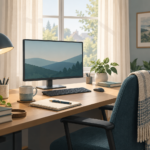
Try turning your chair and camera so the window is in front of you rather than behind. If the desk cannot move, adjust the blind or curtain and compare the preview. Avoid direct sun in your eyes.
- Hard shadows from a small lamp
-
Try directing the lamp toward a nearby white wall so reflected light reaches your face. Use the lamp as its manufacturer permits; do not cover it with paper or fabric. Keep the lamp stable and leave ventilation clear.
- Bright reflections in glasses
-
Check whether the reflection follows the screen content or comes from the lamp. Try reducing screen brightness while keeping text comfortable to read. For a lamp reflection, move the lamp slightly to one side and compare again without twisting your neck.
Arizona State University’s photographer demonstrates backlight, bounced light and screen-reflection adjustments. The best position will depend on your room and glasses.
Keep the color consistent
A face that looks orange on one side and blue on the other may be receiving differently colored light. Try switching off one source and comparing the result. The University of California’s video lighting guide explains why mixed light sources can complicate white balance and why softer light reduces harsh shadows.
For a desk used both morning and evening, save two simple arrangements. You might use window light during the day and one lamp after dark. Those are options to evaluate, not tested prescriptions for every home.
Use a three-comparison worksheet
- Baseline: keep your usual arrangement. Note whether your face, eyes and expressions are clear.
- One change: move one light or adjust the window covering. Check for new glare on both your glasses and screen.
- Normal movement: read, look toward the camera, and turn as you would when presenting. Keep the arrangement only if it remains usable.
Write the winning position in practical terms: “Lamp at left rear corner, aimed at white wall; blind halfway down.” Avoid vague notes such as “better lighting.” Repeat at the time your calls usually happen.
When an extra light is worth considering
Only consider another fixture after naming the remaining problem: no useful daylight at call time, no stable position for your current lamp, or insufficient control over brightness. Check its footprint, mounting requirements and cable route before ordering. A small desk still needs room for ordinary work.
If lighting is acceptable but framing or focus remains unsuitable, use our webcam selection guide to compare the capability you actually need. A new camera should solve a specific remaining problem.